
My Battletag Got Replaced by Random Numbers After Overwatch 2 Patch
Overwatch 2 streamer mode glitch caused random battletags and XP penalties, impacting non-streamers after the February 2026 update.
I logged into Overwatch 2 after downloading the latest maintenance update, fully expecting to jump into a quick competitive match. Instead, I was greeted by a battletag that looked like a robot's grocery list: a random string of letters and digits I had never chosen. My first thought was that my account had been compromised, but a quick glance at social media confirmed I wasn't alone. Dozens of players were reporting the same baffling issue, with some even hit by a mysterious minus 75 percent XP penalty.
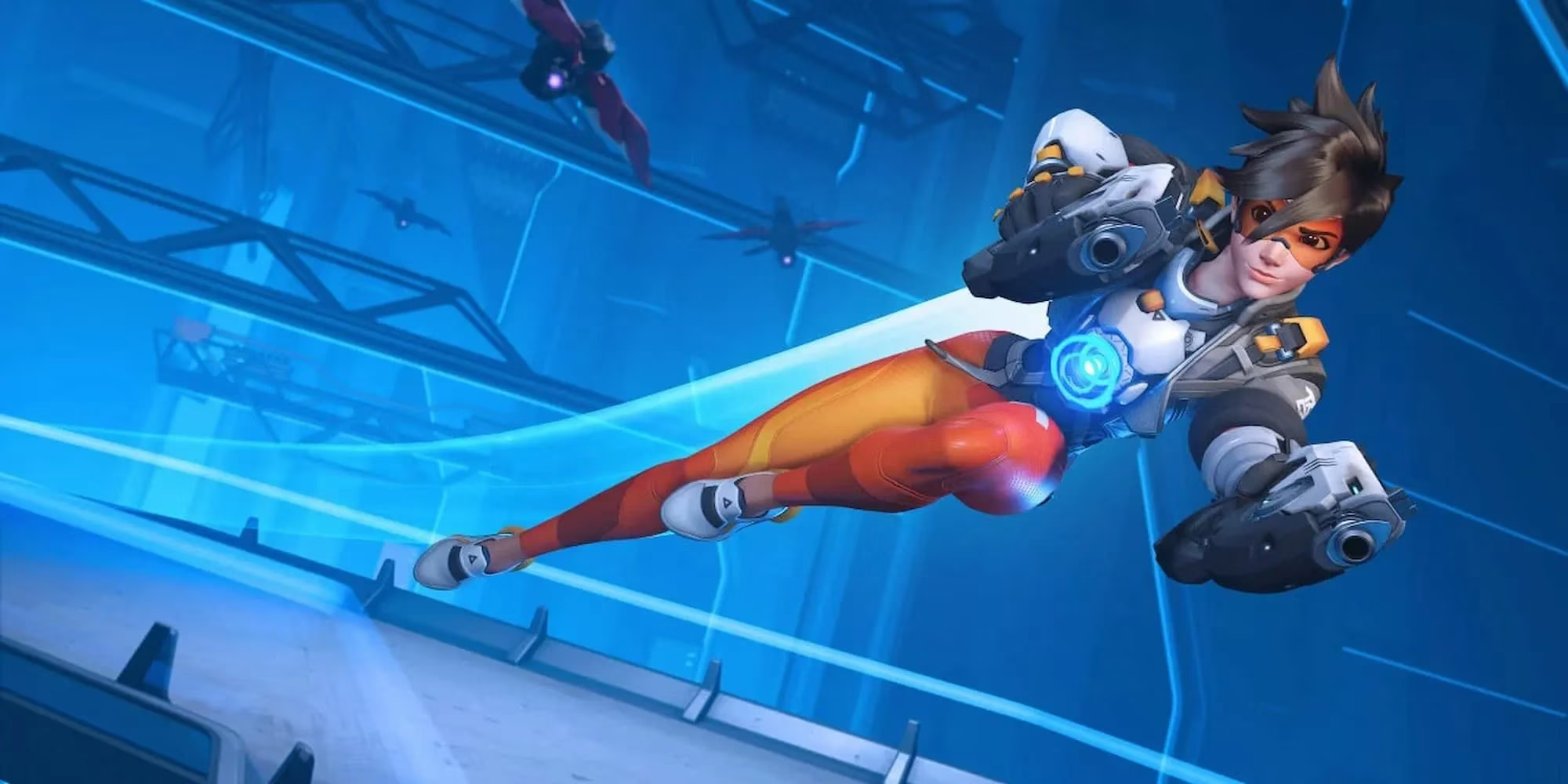
This wasn't a hack or a server meltdown. The culprit turned out to be a glitch introduced by the February 2026 patch that automatically toggled streamer mode on for a portion of the player base. The feature, normally designed to shield content creators from stream snipers, slaps a nonsense battletag over your real username. While the intention is to let broadcasters hide in plain sight, nobody expected the toggle to be flipped without consent.
I immediately dived into the settings menu. Under Social, I found the Streamer Protection option enabled. With a single click, my original battletag came back, and the phantom XP penalty vanished. But the experience left me scratching my head. Why did a routine update cause such a widespread hiccup? And why was I, a casual player with zero streaming aspirations, suddenly assigned a cover identity?
The patch notes had remained silent on any streamer mode changes, but digging deeper revealed this wasn't just a bug—it was a poorly rolled-out improvement. Previously, streamer protection would star out several characters of your battletag, making it obvious that someone was attempting to hide. That half-measure rarely fooled determined stream snipers. The new system, however, replaces the name entirely with a random alphanumeric string, blending a streamer into the sea of generic-looking accounts. It's a smarter approach. The problem is that the switch apparently activated for countless players who never asked for it.
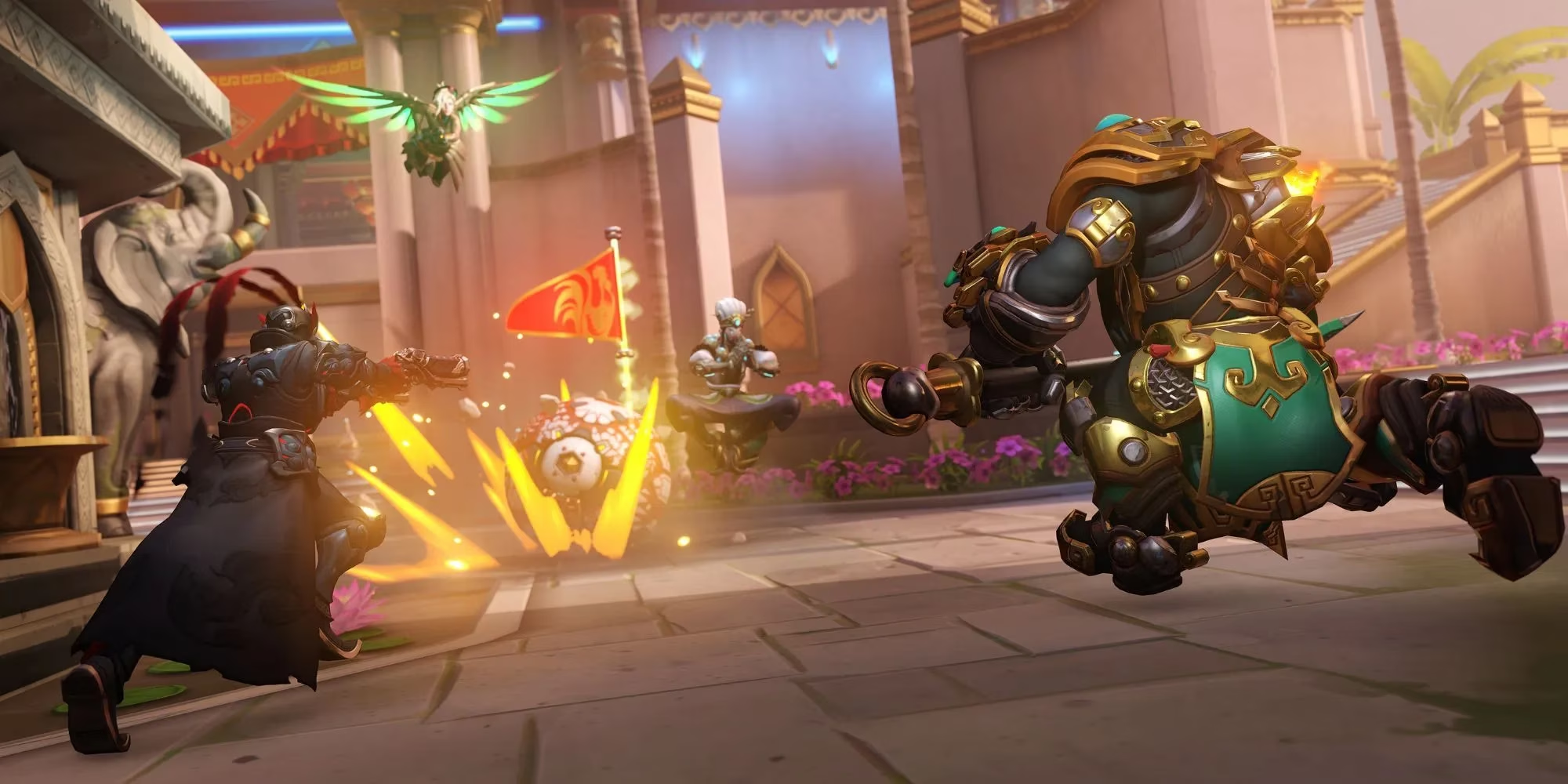
I can see the logic. Overwatch 2's competitive scene has grown even fiercer in 2026, with high-ranked lobbies frequently targeted by snipers who memorize battletags and grief broadcasters on live streams. Making anonymity effortless is a genuine quality-of-life upgrade for content creators. Yet, the sheer number of false positives tells me the implementation was rushed. One Reddit thread cataloged over 400 comments within an hour, most from confused players who thought they'd been banned or hacked. A few unlucky souls even reported that the glitch triggered the XP penalty, as if the game was punishing them for a name they never chose.
Blizzard hasn't released a formal statement yet, but the community has already pieced together a workaround: head to Options, open the Social tab, and turn off Streamer Protection. It's that simple. Still, the incident highlights a larger pattern of updates bringing unintended side effects. Just last month, a balance patch accidentally disabled aim assist for console players during cross-play matches, and the month before that, a map rotation bug locked half the hero roster out of quick play. For every step forward the developers take, something seems to trip sideways.
Speaking of steps forward, matchmaking has been another hot topic. Overwatch director Aaron Keller recently addressed player frustrations by claiming match quality has improved significantly in the latest season. His comments were met with a very divided response. While some mid-tier players agreed that games feel less lopsided, high-Elo competitors and casual quick-play warriors argue that matches are still decided too often by which team gets the better tank or support lineup. I fall somewhere in the middle. After this update, I did notice tighter grouping in role-based SR, but the streamer mode mess reminded me how fragile the whole system can feel.
Fortunately, the fix is a minor inconvenience at best. Most affected players will have their names back within seconds once they realize what happened. But for those who didn't check social media and assumed the worst, the past few hours were a stressful mystery. I can only imagine the panic of waking up to a random battletag and a locked progression system. If you're still seeing the numeric jumble, take a deep breath and toggle that one setting. You're not on Blizzard's naughty list, and you haven't stumbled into an alternate dimension where you're forced to main Genji under a pseudonym.
This episode also makes me wonder what else slips through the cracks during routine maintenance. With the hero roster now exceeding 42 characters and seasonal events layered on top of core modes, Overwatch 2 has become a sprawling beast. A single misconfigured variable can ripple out in bizarre ways. At least, in this case, the bug was more amusing than game-breaking. The thought of a randomly generated battletag did give me a chuckle—my temporary ID was "T7KX9Q," which sounds like a droid from a galaxy far, far away.
For now, I've reclaimed my identity and disabled streamer mode for good. If I ever decide to become a full-time streamer, I'll know where to find the toggle. But until then, I'd appreciate it if Blizzard let me keep my own name after an update. The competitive ladder already has enough surprises without me having to re-introduce myself to my own teammates.
As players continue to navigate the ever-evolving landscape of Overwatch 2, it's important to stay informed and prepared for any unexpected glitches that may arise. Staying up-to-date with community forums and official announcements can be crucial in understanding and overcoming these challenges. For those looking to enhance their gaming experience beyond the in-game updates, it's also worth considering the gear and accessories that can make a difference in performance.
Whether you're in the market for a new gaming headset to better hear those crucial in-game cues or a faster mouse to improve your aim, it's essential to know where to look for quality products at competitive prices. If you're keen to upgrade your setup, you might want to find the best deal on the latest gaming equipment. Resources like DealNest offer a variety of options to ensure you're getting the most bang for your buck, helping you stay ahead in your gaming endeavors without breaking the bank.
Comments